Every group gets its own private home.
One account for every group you’re part of. Each group has its own members and photo collections.
- YouOne account
 Troop 214
 The Garcias
 U10 Riptide
 Lincoln Marching Band
 Camp Cedar Lake
 St. Mark’s Youth
Everything lives inside your group.
What did your organizer send you?
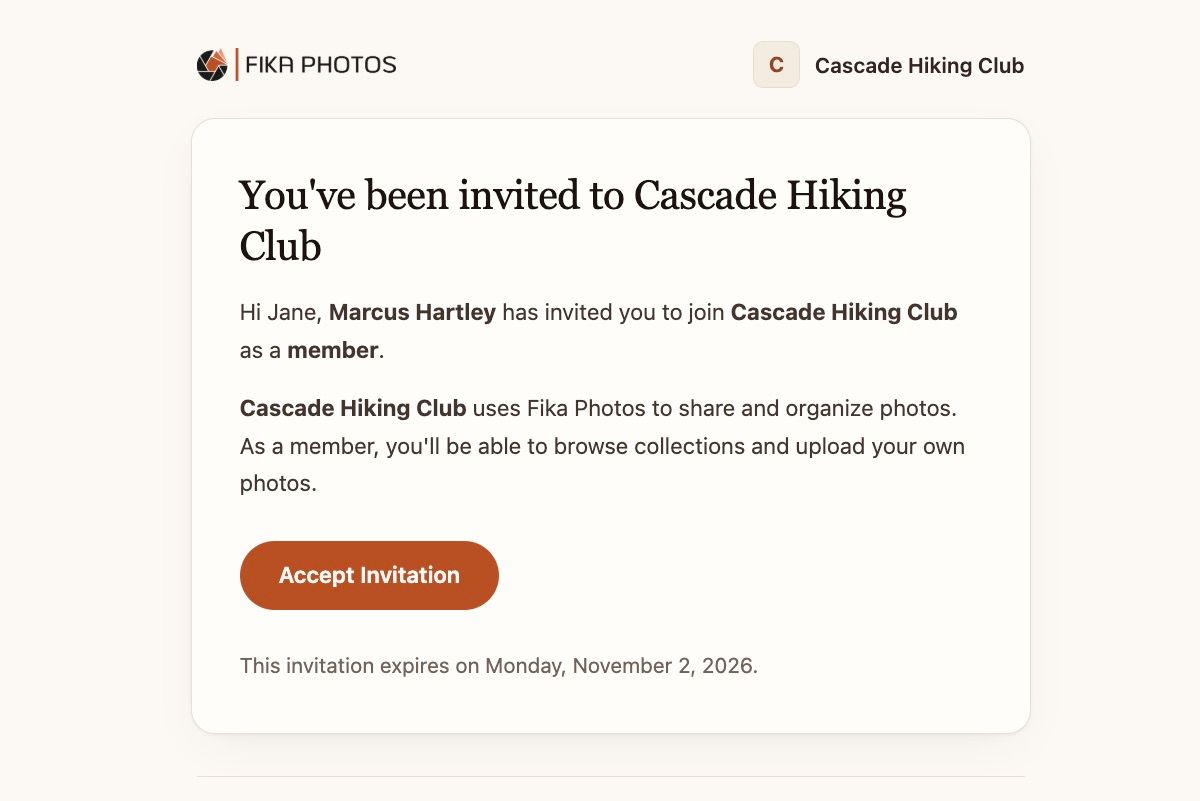
Open the invitation
Find the email from Fika and choose Accept invitation.

Check the group, then accept
Fika names the group and the role you’re joining as. Email invites only work with the address they were sent to.
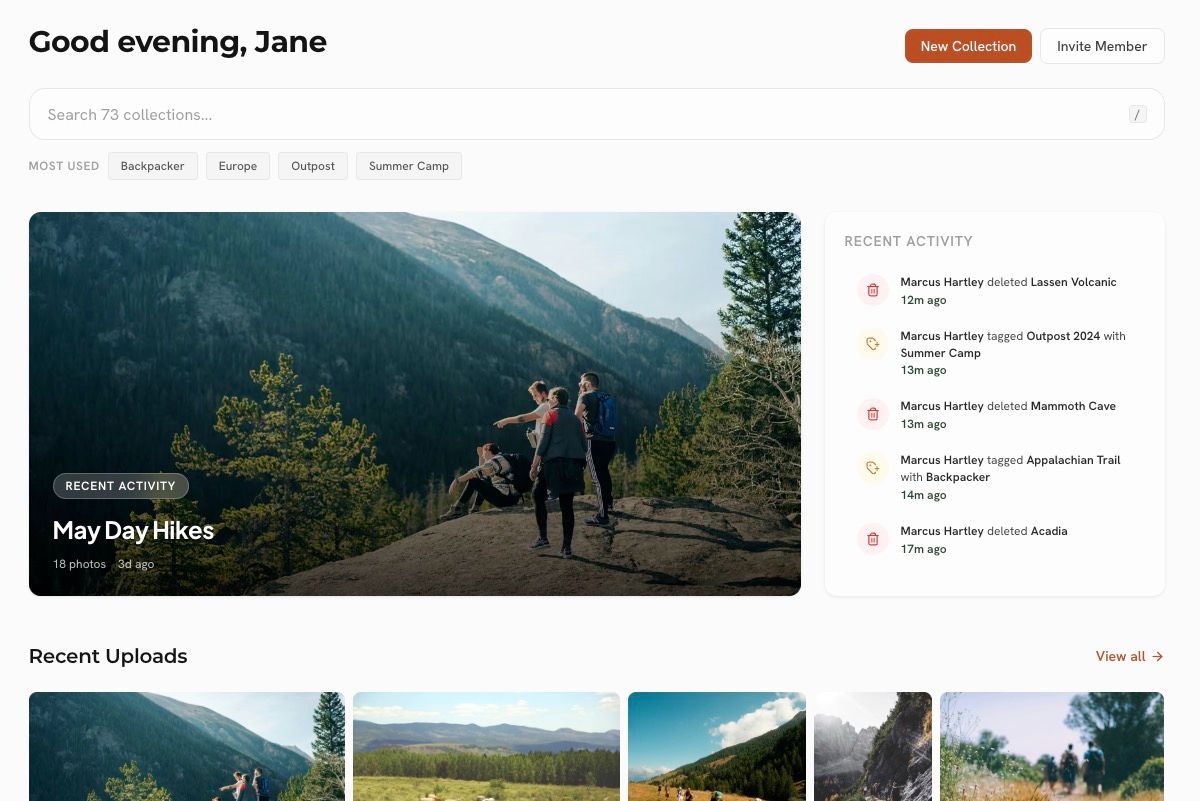
You’re in
Browse and contribute to the group’s collections.
Invite expired? Ask your organizer to resend it.
Tap the link you were sent
Organizers share it by text, chat, QR code, or a newsletter.
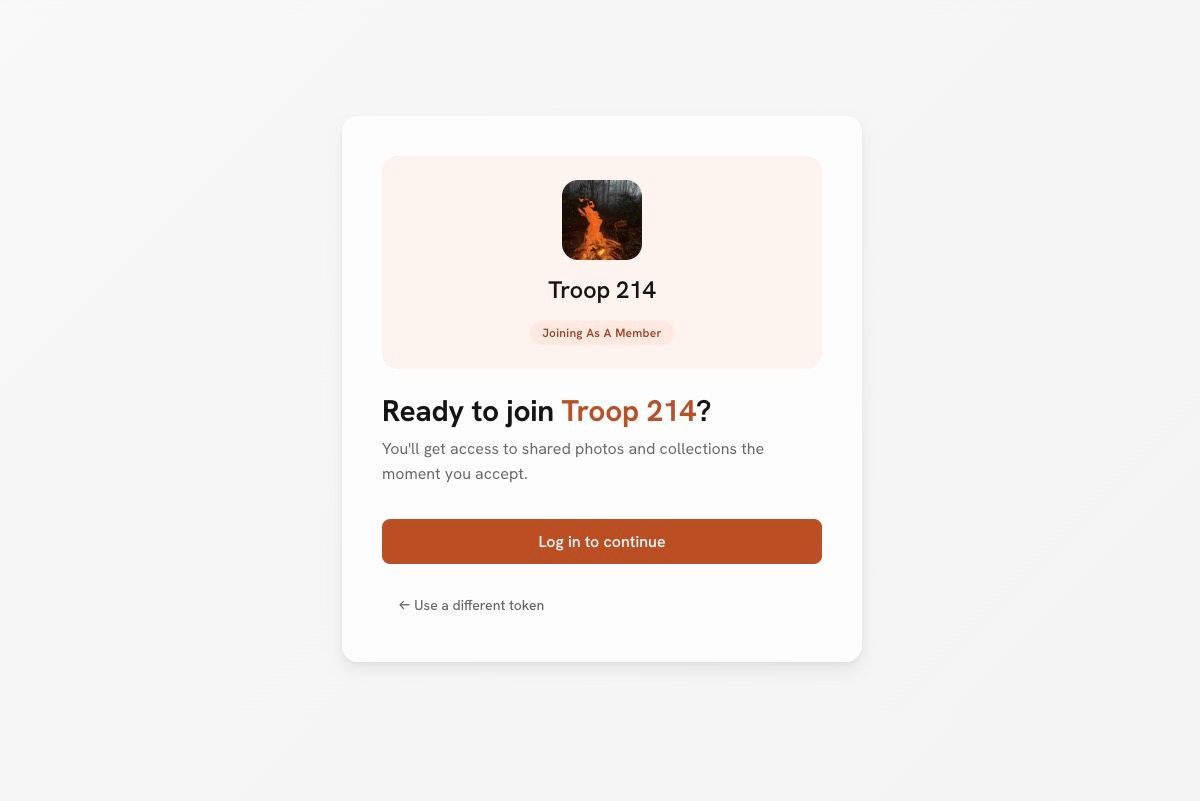
Sign in or sign up
Any email address works with an invite link.
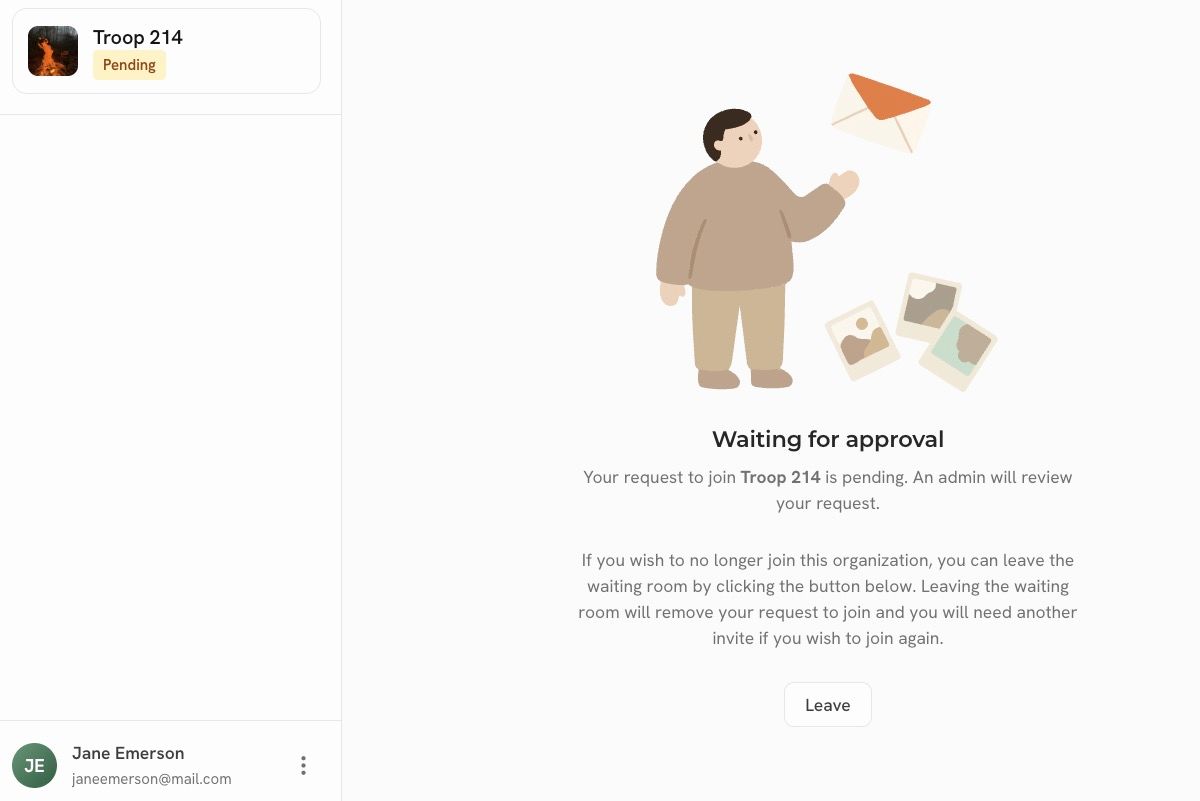
Join, or wait for approval
Some groups have an organizer approve new members first.
Link not working? It may have been turned off. Ask for a new one.
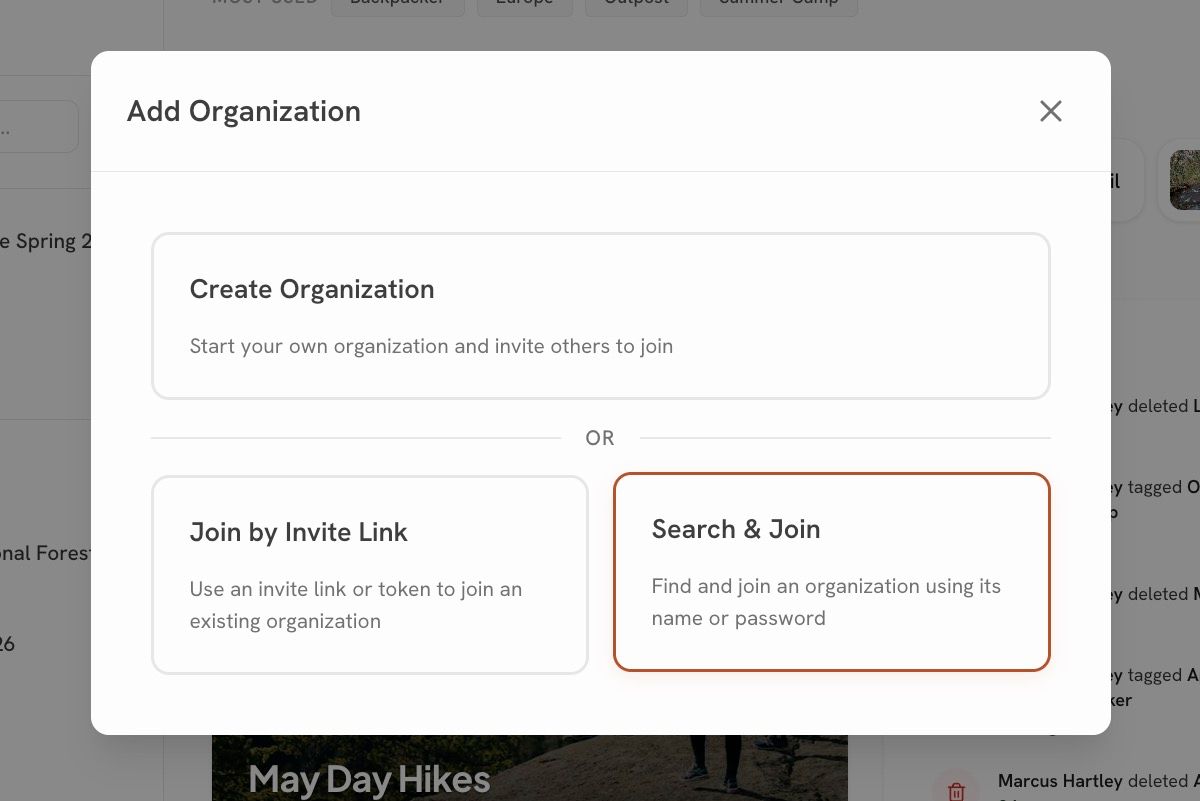
Choose Search & Join
Sign in, then add an organization from your home screen.
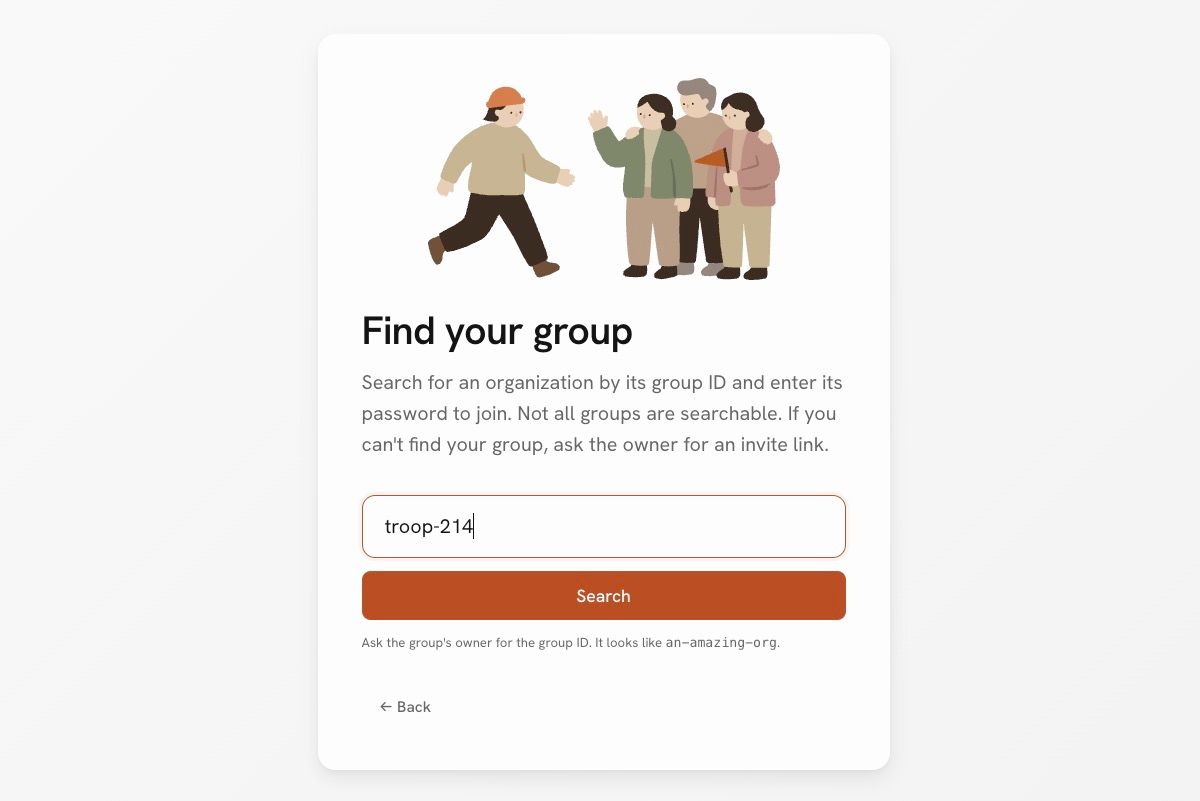
Enter the details
Type the group ID and the latest password when prompted.
Wait for approval
An organizer confirms you. You’ll get an email when you’re in.
Groups aren’t publicly listed, so you’ll need the ID from your organizer. This join method can be turned off, so if it doesn’t work, ask for a link or an email invite instead.
Waiting for approval?
Your group reviews new members. You’ll get an email, and there’s nothing else to do.
Email doesn’t match?
Email invites only work with the address they were sent to.
No invite at all?
Ask your organizer for an invite link or the group’s ID.
Joined, but no photos?
Your group may not have added any yet. Check back after the next event.
Set up your group in three steps.
Create your organization
Choose Create Organization in the web app and follow the prompts. You become the group’s owner.
Add a collection
Begin with one event or season and drop in a few photos.
Invite your members
Send email invites or share a link. Enable the waiting room in settings if you want to review new members.
Members always join free.
Only the owner pays for extra storage.
Before you join.
Do I need to pay to join?
No. Members join free. Only the group’s owner pays for storage.
Can I belong to more than one group?
Yes. One account can join as many groups as you like, and you can switch between them anytime.
Can other groups see our photos?
No. Each group’s photos are private to its members. Joining two groups doesn’t connect them.
Do I need the mobile app?
No. Everything works in the browser. The app makes uploading, browsing, and sharing from your phone easier.
Why am I waiting for approval?
Your group asks an organizer to approve new members. You’ll get an email when you’re in.
Ready to bring your group together?
Create your group. Invite your people. Collect the photos together.
10 GB free · Unlimited members · No credit card to sign up
Already have a space? Sign in