Built for groups who care where their photos go.
Collect photos from everyone. Find them years later. Keep control over who gets in and what happens after a photo is shared.
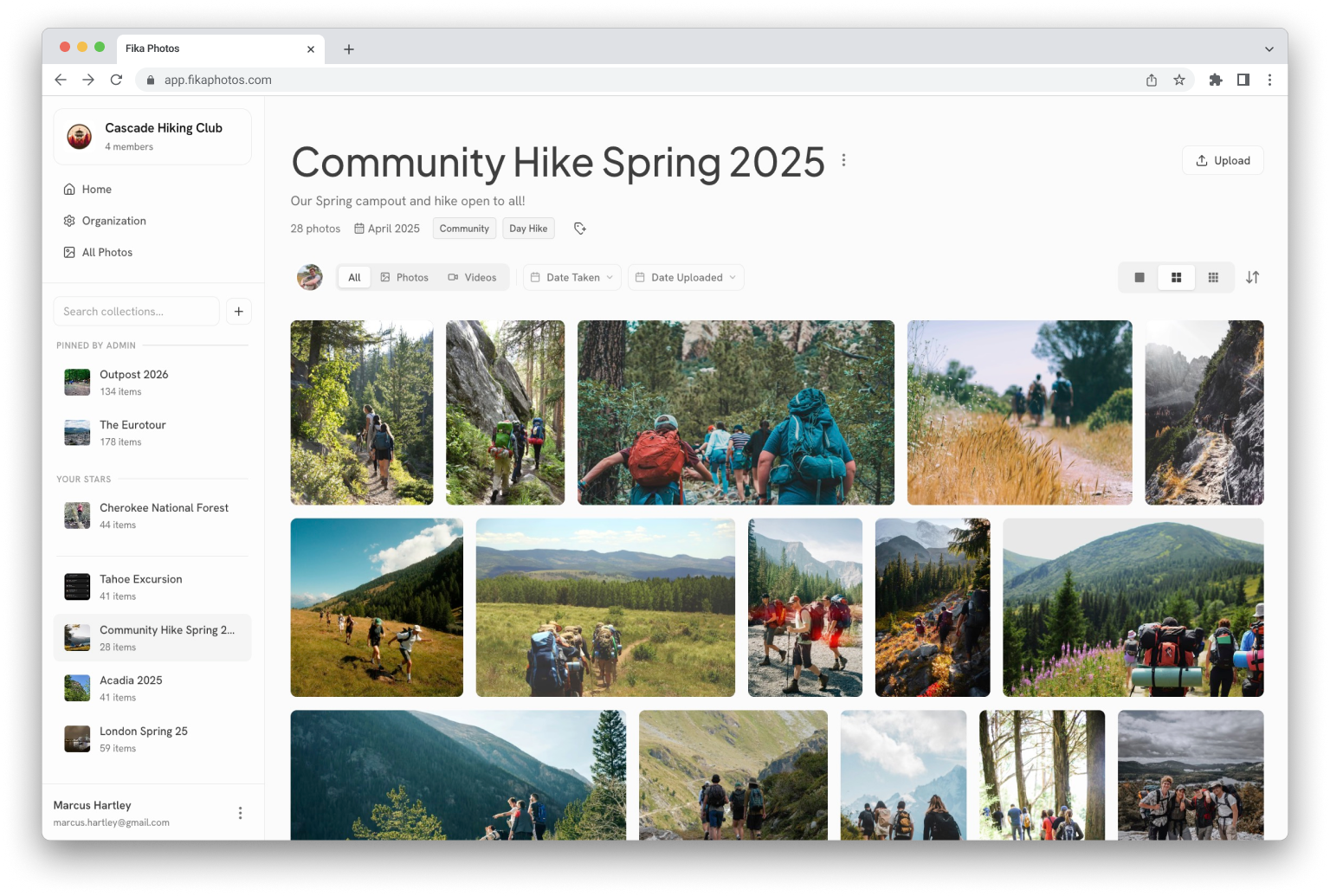
Explore what Fika can do.
You decide who’s in, and what they can do.
Roles that fit real groups
Four roles: owner, admin, member, and viewer. Give each person the access they need.
Invites with guardrails
Invite by email, link, or group ID and password. Set role limits, max usage limits, and expiry dates, and choose whether members can invite others.
Private by architecture
No public feed, no discovery algorithm, no facial recognition, no ads, and nothing used to train a model.
Take a photo down, and keep it down.
Removal applies throughout the group. It cannot recall copies someone already downloaded.
Gone for good
Approved takedowns remove the photo permanently, skipping the trash.
Re-uploads get caught
Exact re-uploads are blocked. Optional edited-version matching flags crops, screenshots, and re-compressed copies for review, with a match-strength meter.
Anyone can raise a hand
Anyone in the group can request removal. Choose immediate takedowns or admin review.

A door between the link and the photos.
Nothing shown until you say so
People joining through a shared link see no photos until an organizer approves them.
Approve in one tap
Review waiting members from the home page. Approve or deny access without leaving it.
Trusted invites skip the line
Direct email invitations from organizers bypass the waiting room.
Fewer copies of the same moment.
Find repeated uploads without sorting through every photo yourself.
Exact copies, grouped
Identical files are found automatically and gathered into sets for one-tap cleanup.
Look-alikes, flagged
Resized, edited, and re-saved versions are flagged with a confidence meter.
You stay in charge
Compare copies side by side. You choose what to keep or remove.
How duplicate detection works without AI looking at your photos →





The parts you’ll use every day.
Find any moment you remember.
Search by tag, season, year, or keyword. Filter by contributor, media type, or date, or browse every collection together in All Photos.
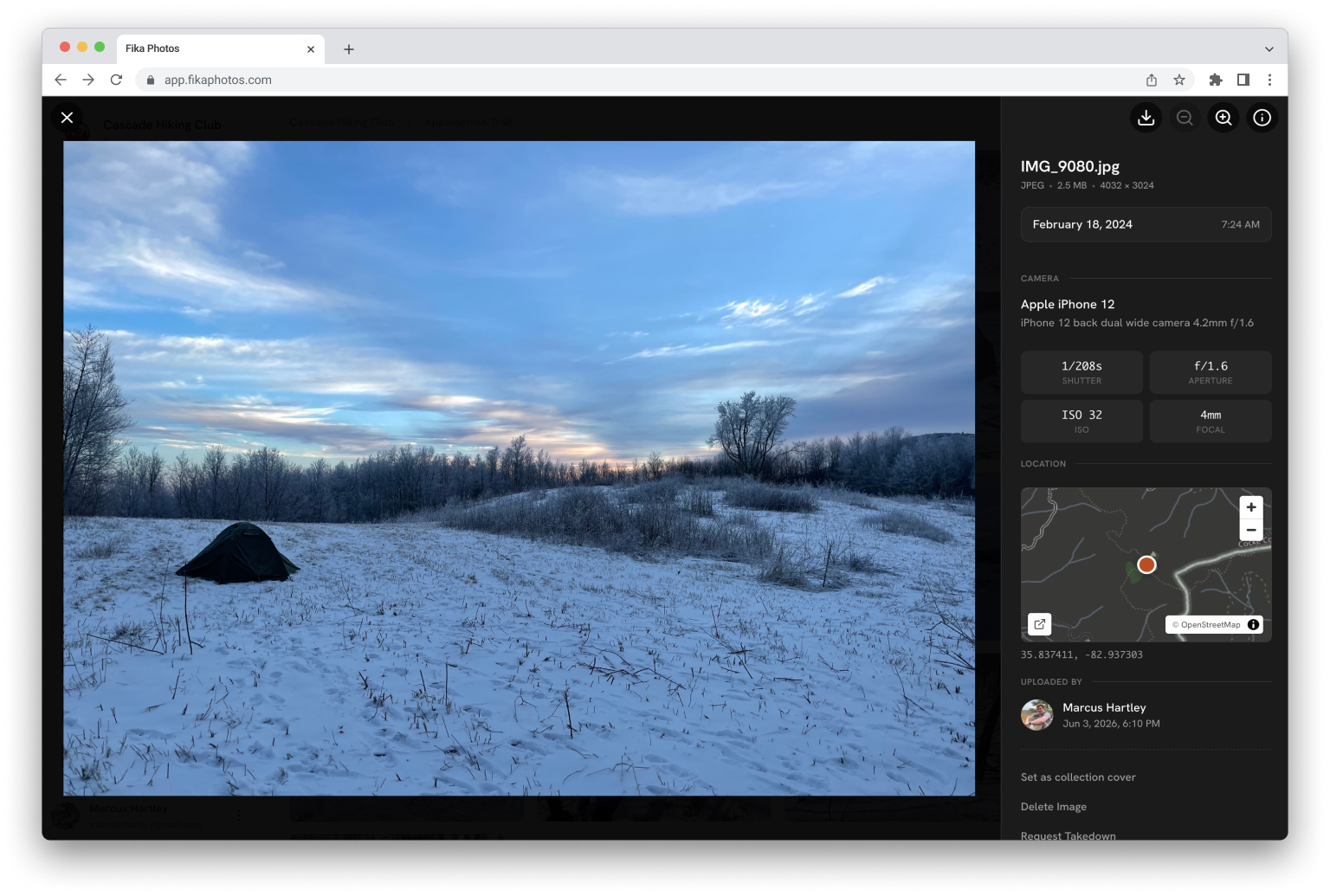
A viewer worth lingering in.
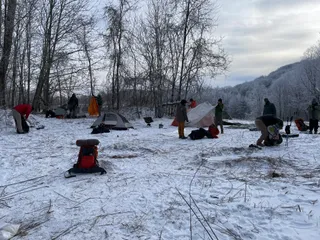
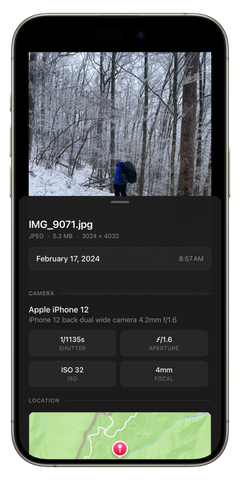
View photos full screen with zoom and keyboard navigation. Open the details for camera information, dates, and a map for geotagged shots.
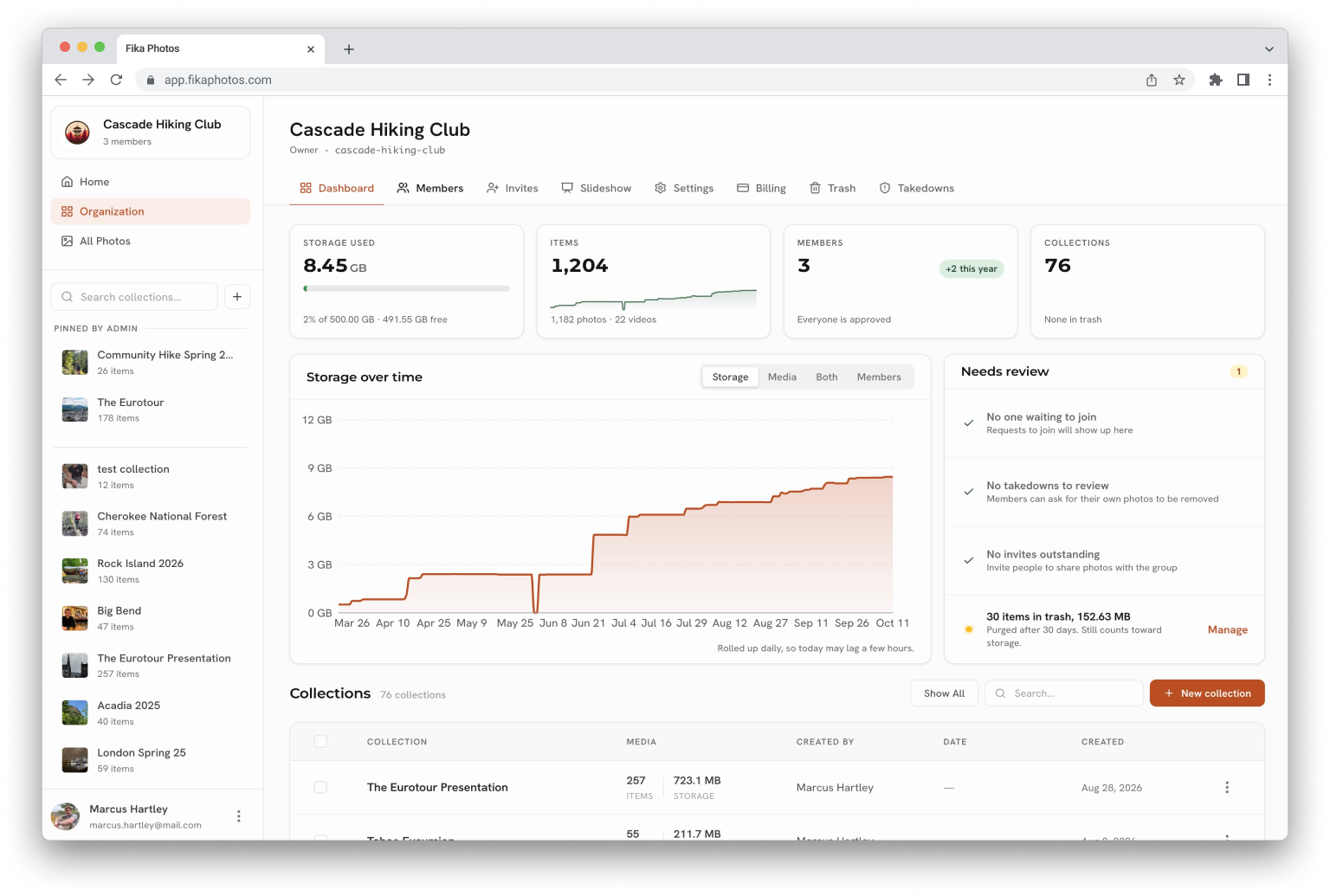
Run the group without a spreadsheet.
Manage members, collections, storage, and activity from one dashboard. Transfer ownership and billing when the next organizer takes over.
Made for the big screen.
Play collections full-screen on a projector or TV, with pan and cross-fade effects. Set the pace and let the slideshow loop.
Bulk uploads
Upload a whole shoot at once, with automatic queuing, retries, and file verification.
iPhone photos work as-is
Add photos straight from your camera roll. Originals stay unchanged.
Photos and videos
Keep both together at full quality, without re-compression.
Pin, lock, and merge
Keep the important collections on top, freeze finished ones, and tidy up strays.
Download your originals
Save individual photos or whole collections as a zip, at full quality.
Trash and restore
Deletions wait in the trash before they’re final, so a slip isn’t a loss.
Activity feed
See who joined and what they added.
Your name on the door
Show your group’s logo on invites, in search, and in the group itself.
Every group, one account
Switch between your groups without signing out.
Session security
See every device signed in to your account, and sign any of them out from anywhere.
Your group, in your pocket.
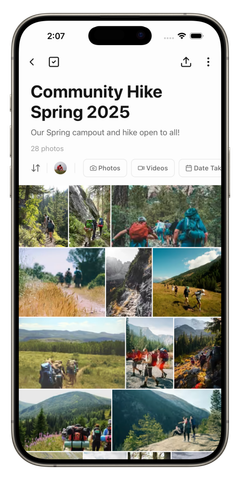
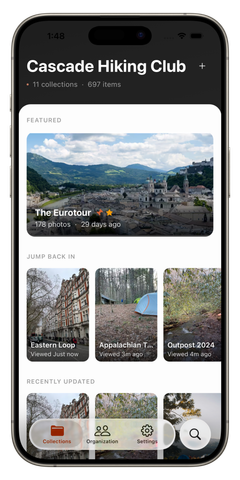
Upload from your camera roll, browse the library, and manage invites from the sideline.


Bring your group’s photos somewhere built for them.
Create your group. Invite your people. Collect the photos together.
10 GB free · Unlimited members · No credit card to sign up
Already have a space? Sign in